
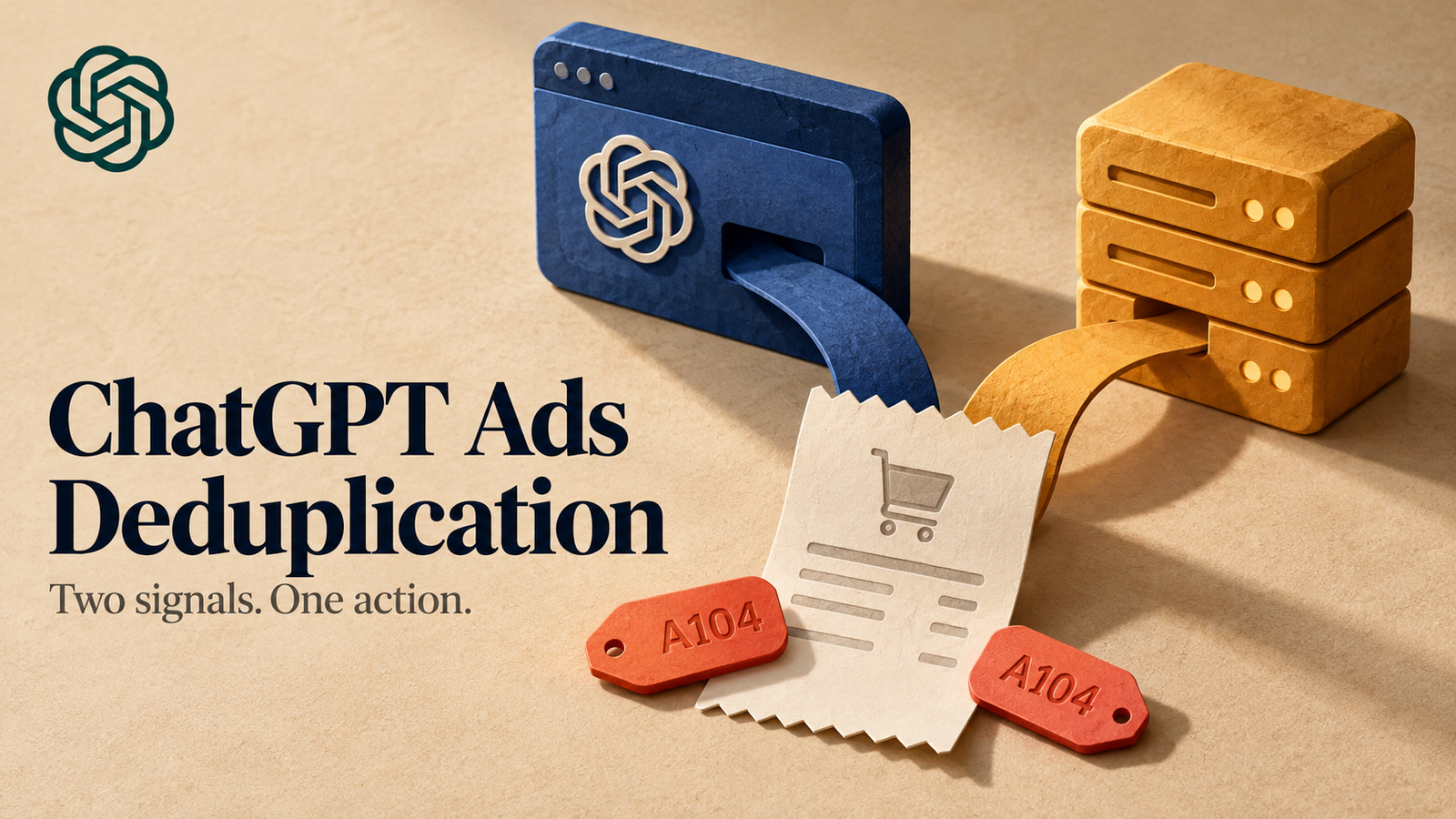
To deduplicate a ChatGPT Ads conversion sent by the Pixel and Conversions API, use the same Pixel ID, event name and event identifier for the same customer action. The browser identifier is event_id; its server counterpart is id. For a custom event, keep custom_event_name consistent too.
Treat the two transmissions as copies of one business event. Start with a written identity rule, then verify the values that each implementation actually sends. This guide covers that matching contract and a test plan; account access and the broader launch decision are covered in the ChatGPT Ads launch-readiness guide.
1. Decide which action both channels describe
Name the event in business terms before changing code. For a shop, identify the completed purchase record; for a service business, identify the accepted enquiry. Agree the successful state and the system that owns it. A button click and a saved order are not interchangeable just because they happen close together.
Write down whether the browser and server are reporting the same event or different stages. Checkout beginning and a purchase completing should remain separate. Deduplication is useful when two channels describe the same action; it should not erase legitimate later actions. Keep payment and fulfilment reporting clear for cash-on-delivery orders rather than describing an unpaid submission as collected revenue.
2. Create the identity once and pass it to both owners
Choose a stable, opaque identifier for one action and preserve it with the business record. The browser and server need access to the same agreed value. Avoid a process where each side independently generates a random identifier, because matching only the order amount or customer email does not implement the shared identity rule.
OpenAI’s Conversions API documentation says matching keys use the Pixel ID, event name and ID. The first received matching event is used and later duplicates are ignored. Consequently, agree the event contents as well as its identifier before either path sends it.
| Identity item | Browser side | Server side |
|---|---|---|
| Receiving source | Initialised Pixel ID | The same Pixel ID for event delivery |
| Action name | For example, order_created | The same action type |
| One action identifier | event_id option | id field with exactly the same value |
| Custom action, if applicable | custom_event_name | The same custom_event_name |
Keep business identifiers separate from credentials. A shared event identifier is not an API key. Server authentication belongs on the server; it should not be inserted into page source, a public tag or a troubleshooting screenshot. Include only safe references in the handoff evidence.
3. Check the browser options and server mapping
The Measurement Pixel reference places the event identifier in the options object. After the correct Pixel is installed and initialised, an illustrative purchase call could look like the following. This is an example, not an instruction to send an invented purchase to a live account.
oaiq("measure", "order_created", {
  type: "contents",
  amount: 4950,
  currency: "USD"
}, { event_id: "purchase_A104" });
For the corresponding server event, the implementer maps id to purchase_A104 and the event type to order_created, using the same Pixel ID. This mapping is only part of the server payload: follow the current API reference for the remaining required fields, actual action time and supported customer information. Do not copy browser field names into the server format without checking their placement.
The illustrative USD amount above means $49.50 in minor units. Agree the real value rule and currency on both paths, including any relevant transaction adjustments. Deduplication does not reconcile two conflicting commercial definitions. Use the conversion-tracking guide to keep the receiving source and campaign conversion setting distinct.
4. Preserve identity across retries and page revisits
A delivery retry of one event should retain that event’s identifier. A new identifier on every retry makes it look like another action. Review the retry worker, webhook handler and browser confirmation-page logic together; fixing one while leaving another independent sender can hide the original problem.
Use a new identifier for a genuinely new action. Do not give every purchase a constant value such as purchase, and do not use one identifier for all actions taken by a customer. Define the identifier’s scope and where it is stored so another developer can repeat the same behaviour after a deployment.
| Illustrative case | Expected identity behaviour | Review point |
|---|---|---|
| One purchase, browser plus server | Shared ID for both copies | Both point to the same business record |
| Retry after a delivery failure | Reuse the original event ID | Worker does not generate a new ID |
| Confirmation page reopened | No newly invented purchase identity | Page revisit cannot create a second sale |
| Another completed purchase | A different event ID | Two valid actions remain distinguishable |
5. Run a small, controlled verification matrix
Before testing, capture the intended source, event name, safe business reference and observation window. Use an authorised test process, respecting the website’s measurement permission controls. Inspect both outgoing payload mappings and available received-event evidence. A successful code save is weaker evidence than the correct event reaching the intended source.
Illustrative acceptance exercise: an implementer follows a test purchase labelled A104 through the application and records the browser event ID and server ID. A reviewer checks they match, then checks a second distinct purchase has a different ID. The exercise tests an identity rule; it is not a reported Seolign campaign result or a promise that Ads Manager will attribute either purchase.
| Check | What to compare | Evidence to retain |
|---|---|---|
| Source | Browser and server Pixel ID | Safe source reference |
| Action | Same event meaning and exact name | Approved trigger definition |
| Identity | Browser event_id equals server id | Sanitised payload excerpts |
| Value | Consistent amount and currency policy | Real record reconciliation |
| Repeat path | Retry and page revisit keep the rule | Repeatable test notes and owner |
| Separate action | Another action gets another ID | Second safe business reference |
OpenAI supports validation-only server requests for payload validation. These are not saved events and do not appear in event monitoring. Keep that check separate from a permitted end-to-end delivery test; otherwise an absent monitoring row can be misread as a failure of a request that deliberately saved nothing.
6. Diagnose the failed comparison before changing the implementation
If the IDs disagree, trace where each was created. If the IDs agree but the source differs, correct the source mapping. If the source and identity agree but the actions differ, return to the event definition. Work from the first concrete disagreement rather than repeatedly reinstalling both integrations.
Keep event reception, deduplication and advertising attribution separate in the review. An event arriving does not by itself prove advertising credit, and a missing attributed conversion does not by itself establish duplicate delivery. Save the test evidence before changing campaign settings. Our duplicate-purchase audit illustrates the business-record reconciliation approach for another platform; use OpenAI’s own fields for ChatGPT Ads.
Frequently asked questions
Can the browser and server generate different random IDs?
Not for two copies of the same action. Generate or retrieve the shared identity consistently and pass it to both implementations.
Should a retry use a fresh ID?
A retry of the same event should preserve its original identity. A genuinely new action needs a different one.
Does matching customer information replace the shared event ID?
No. Do not treat matching information as a substitute for the documented Pixel ID, event name and event ID contract.
Does deduplication guarantee the purchase receives advertising credit?
No. It prevents duplicate representations of the same action from being counted as separate events under the documented rule. Attribution requires its own evidence.
Pingback: ChatGPT Ads WooCommerce: Trace Missing COD Order Events
Pingback: ChatGPT Advertising: A Practical Guide to ChatGPT Ads (2026) | Seolign