
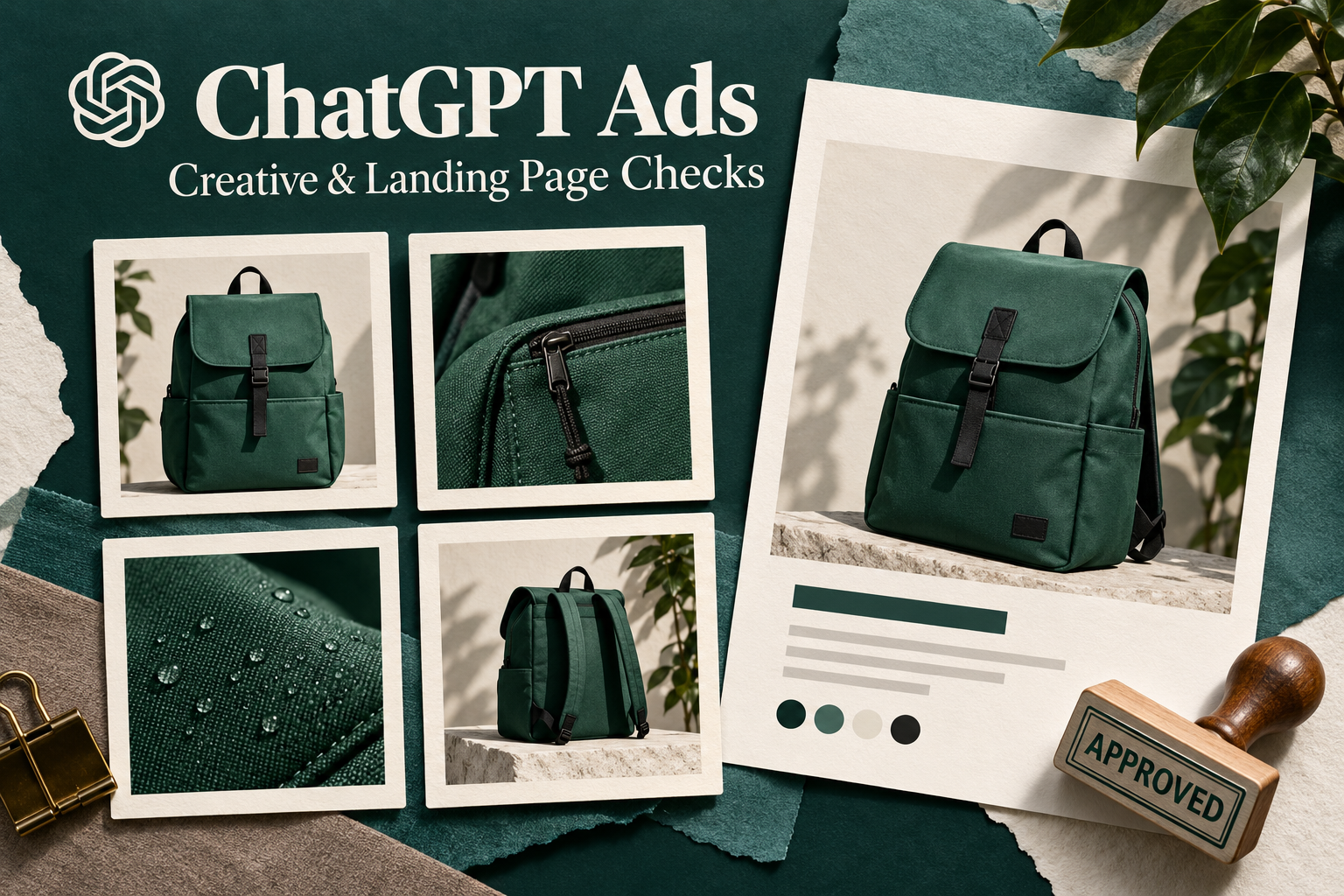
Before building a ChatGPT multi-image ad, check that every asset supports an offer the destination can actually deliver. Use one review record for the images, claims, final link and enhancement settings. A polished image set cannot repair an unavailable product or an unsupported promise.
OpenAI introduced this format as an open beta on 26 October 2026. Its current creation guidance specifies 4–6 square images, one shared destination and a Learn more CTA. Confirm that the format is available in your account before preparing a launch around it.
Start with the offer, then choose the assets
Write a one-sentence offer record: “This ad helps [reader] evaluate [specific product or service] for [task], with [important restriction].” Keep this sentence in the review document. It gives the designer and page owner the same reference point.
Next, assign each image a purpose. Useful roles include the product itself, an important detail, a supported use case and a practical size or compatibility reference. Reject a duplicate that adds no decision-making value. Do not add a dramatic visual simply to fill the set.
For each role, ask what a viewer could reasonably infer. A photo beside a travel suitcase might imply cabin suitability. A device shown inside a bag might imply compatibility. Verify these implications as carefully as written claims. If the business cannot support the implication, change the visual or clarify the offer.
Use an asset-to-page approval worksheet
Copy this worksheet into your campaign handoff. Record evidence, rather than a checkmark with no explanation. “Looks fine” leaves the next reviewer guessing.
| Review item | Evidence to record | Stop condition |
|---|---|---|
| Product identity | SKU, service scope or collection represented | An image shows an item not covered by the page |
| Implied benefit | Source for each visual or written claim | The business cannot substantiate the claim |
| Availability | Current stock or booking constraint and review time | The page offers no usable next action |
| Destination match | Final URL and the section supporting each asset | A prominent promise disappears after the click |
| Mobile path | Device, consent choice and completed next step | A visitor cannot reach the intended action |
| Ownership | Reviewer, decision, date and unresolved issue | Nobody owns the remaining correction |
Review the full set together after reviewing individual files. Images can create a combined promise that no single file makes. For example, separate accessories arranged alongside the product may imply a bundle even if the description says otherwise.
Illustrative example: a backpack ad with a hidden mismatch
Suppose a retailer prepares a front view, a pocket close-up, a fabric detail and a packed-bag image. The page sells one backpack without the accessories shown inside it. These are illustrative details, not a campaign we tested.
The packed image is useful because it explains capacity, but it can also imply that the accessories are included. The reviewer should check the image caption, page contents list and purchase options. An honest correction might be a clear “accessories shown for illustration” statement placed where a buyer will see it. Removing the accessories may be clearer still.
Now suppose the title promises next-day delivery, but the page limits that service to selected postcodes. Record the restriction in the offer record and align the ad copy. If the business cannot explain the limitation clearly in the available creative, choose a different promise. The worksheet is a way to find these conflicts before spending begins.
Check creative enhancements separately from the uploaded files
Choosing a multi-image format and controlling creative enhancements are separate decisions. OpenAI’s enhancement documentation says automatic enablement begins on 30 October 2026, while existing opt-outs remain preserved. Campaign settings override the account default.
Enhancements can adapt text, translate it, resize images and optimize destination URLs using existing ad and page content. Variations may run without individual approval or a preview of every version. In Manage settings, inspect the applicable controls and record the effective choice for the campaign.
If the offer needs tightly controlled wording, ask the responsible business reviewer whether that setting fits the approval requirement. Keep the source page accurate either way. Old prices, expired promotions and vague service restrictions are poor source material for any creative workflow.
Test the destination as a visitor would
Open the full tracked URL on mobile. Follow the normal consent flow, inspect the offer and complete the intended route to the next step without placing an unnecessary paid order. Repeat for the consent state that matters to your measurement setup. Note the browser and time so somebody else can reproduce a failure.
OpenAI requires valid landing pages that allow OAI-AdsBot and OAI-SearchBot. Its guidance permits UTMs on the shared ad URL; on iOS, Share exposes the full link when the displayed hostname does not. Check redirects as well as the first response. A page loading for a logged-in administrator does not establish that other visitors or crawlers can reach it.
For a broader page review, use our landing-page checklist. Keep measurement validation in the Measurement Pixel and consent workflow, rather than treating a successful page load as proof that conversions are recorded.
Sign off on a version you can identify
Save the filenames, approved copy, final tracked link, offer restrictions, effective enhancement setting and review date together. If a later edit changes the offer or destination, reopen the relevant worksheet rows. Avoid overwriting the earlier record without noting what changed.
After delivery begins, compare the actual reporting period with your business records using the first-week reporting worksheet. A before-and-after movement alone cannot isolate the effect of enhancements. Keep changes dated so performance discussions start with a reliable history.
Common questions
Should I use several unrelated products in the image set?
Only when the destination clearly supports the combined offer and makes each item easy to find. Review the collection as a buyer would. If each asset needs a different explanation or action, reconsider whether it belongs in the same ad.
Does an approved worksheet guarantee platform approval?
No. It is an internal business review. Platform policies and review still apply, and the final decision depends on the submitted ad and account circumstances.
Can this replace the initial account setup checks?
No. Confirm the separate account and launch requirements using our ChatGPT Ads launch-readiness guide. Its related Urdu video is useful for the setup context; it is not a demonstration of this multi-image review process.
Pingback: ChatGPT Advertising: How ChatGPT Ads Work & How to Launch